Curry Cook
A bright, playful restaurant website where customers browse the menu, build their own curry plate and order online.
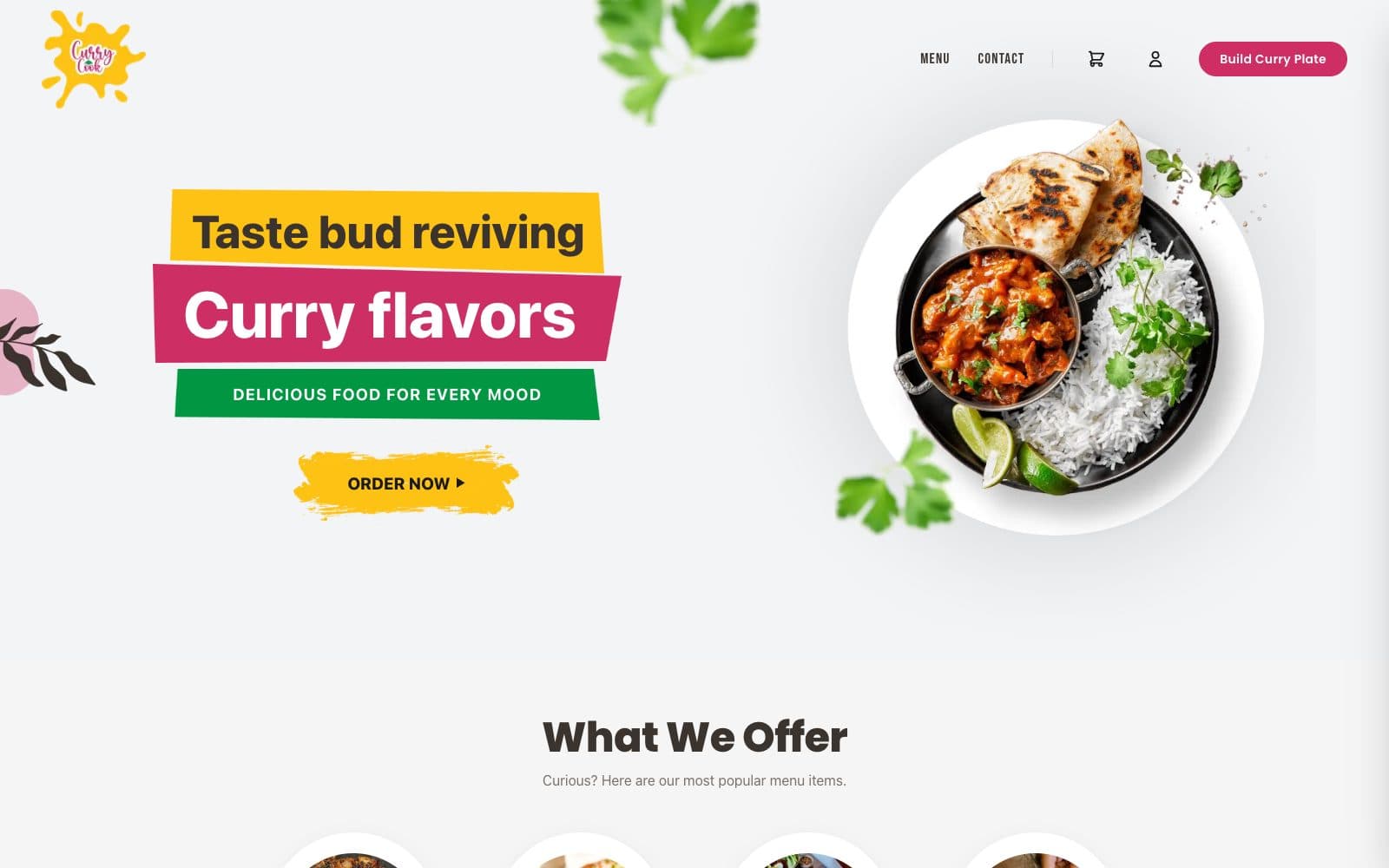
The situation
Curry Cook serves curries, tandoori dishes, sides and desserts from Chesterfield, Michigan. Hungry visitors want to see what’s on offer and order quickly, and many want their curry made their way. The website puts the menu and a step-by-step plate builder one tap from every page, with the cart always to hand.
What the website has to do
- Get people from the home page to ordering in as few steps as possible
- Let customers build a curry plate by choosing a protein, curry flavour, bread and rice
- Show the full menu in clear categories, from tandoori dishes to desserts
- Keep opening hours, location and contact details easy to find
Every page has a job.
01
Home
A bold welcome, an Order now button, the most popular menu categories and a way into the plate builder.
02
Menu
Tabs for tandoori delights, munch on’s, sides and drinks, and sweet goodness.
03
Build curry plate
A step-by-step builder with prices for each protein and a running plate total.
04
Cart and sign-in
A cart that stays one tap away, with customer sign-in for ordering.
05
Contact
Ways to get in touch, alongside opening hours and the restaurant’s address.
06
Policies
Terms, refund and cancellation, privacy and cookie policies for online orders.
The small things people notice.
- Built around ordering
- The Build Curry Plate button sits in the header on every page, so ordering is never more than a tap away.
- A plate builder that shows its working
- Each step shows what’s still needed and keeps a running total, so there are no surprises at checkout.
- Colour with a purpose
- Bold yellow, pink and green banners carry the restaurant’s personality while keeping the key actions clear.
Next case study
PayWeekReady when you are.
Share a few details about your business and book a 30-minute call. You’ll know exactly what you get and what it costs before you pay anything.
Start with a call
We look you up
Before the call we check how your business shows up on Google and Maps today.
We talk
30 minutes on a call. You’ll know exactly what you get and what it costs.
You decide
If it’s a yes, we email your setup link. If it isn’t, that’s genuinely fine.
Good to know
- Plan
- $75 a month, from your first payment
- You pay
- Only if you decide to go ahead after the call
- hello@fynix.digital